Inside this article:
This practical guide helps product teams understand the real difference between LLMs and AI agents—and choose the right system for the job based on UX, risk, and effort.
LLM vs AI agents (in product terms): What an LLM can do on its own vs what changes once you add memory, tools, and autonomy.
When to stay simple vs go agentic: Clear signals for when a single LLM feature is enough—and when you need an agent to achieve the goal.
Strategy, UX, and risk implications: How the choice impacts product scope, user trust, cost, latency, and safety.
AI has entered its “confusingly powerful” phase. Everyone is talking about LLMs, agents, and copilots, quite often as if they’re the same thing.
They’re not, both in obvious and nuanced ways. And for AI PMs and AI-native product teams, that distinction matters more than ever.
This piece breaks down the real difference between LLMs and AI agents, not from a research lens, but from a product one. When is a simple LLM feature enough? When does agentic design change the game? And how do these choices shape product strategy, UX, and risk?
Hype to Human
In this playbook, Tricia Maia, Director of Product Management at TED, explains how to leverage AI for products that address real user pain points and elevate your brand.
Download the playbook
How is an AI agent different from an LLM?
Large language models (LLMs) like GPT-4 are powerful AI systems trained on massive text corpora to understand and generate human-like language. They excel at tasks like answering questions, summarizing content, or translating text.
By contrast, AI agents (or agentic AI) and multi-agent systems combine LLMs with planning, tools, and memory to perform multi-step tasks autonomously. An AI agent still uses an LLM as its “brain,” but it adds layers for planning, memory, tool use, and autonomy so it can take action.
As Murtaza Chowdhury (AWS AI product leader) explains in this episode of Product School's recent AI Series:
Agentic AI systems don’t just answer questions, they make decisions. They perceive context, reason about it, plan, and act with autonomy.
In other words, an LLM is a reasoning engine, while an AI agent is a decision-ready, goal-driven system that uses that reasoning engine as part of a larger workflow.
What’s an AI agent?
An AI agent is a system that uses an AI model, often an LLM, together with memory, tools, and planning logic to autonomously decide and act toward a goal rather than just respond to a single prompt. At a high level, an AI agent still uses an LLM to process language, but also includes:
Reasoning/Planning modules to break a goal into subtasks.
Memory stores (short- and long-term) to remember previous interactions and data.
Tool integrations to call APIs, query databases, send emails, etc.
Decision engines that choose the next action based on logic and context.
Feedback loops to check outcomes and self-correct plans.
Execution engines that carry out tasks until the goal is complete.
Together, these components let an agent act autonomously toward a goal instead of just responding passively to prompts. They turn language understanding into actionable workflows.
By comparison, a plain LLM has none of these built in: it only generates text when given a prompt. It has no memory beyond the current context, no way to call external tools, and no autonomous goal-tracking.
What’s an LLM (Large Language Model)?
A large language model (LLM) is an AI model trained on massive amounts of text to understand, reason about, and generate human language. Its core job is to predict the next best token based on context, which allows it to answer questions, summarize content, translate text, classify information, and generate new text.
At a high level, an LLM focuses entirely on language and reasoning, not action. It operates within a single interaction window and responds to the input it is given, without awareness of goals, long-term memory, or what happens after the response is produced.
AI vs LLMs vs Agents
Artificial intelligence (AI) is the broader category that includes any system designed to perform tasks that typically require human intelligence, such as perception, reasoning, prediction, and decision-making.
LLMs and AI agents are both forms of AI, but they represent different levels of capability and scope within that larger field.
Large Language Model (LLM) | AI Agent | |
Core Concept | The Brain. A probabilistic engine that predicts the next token to generate text or code. | The Employee. A system that uses the brain (LLM) to plan, execute, and complete goals. |
Primary Capabilities | Reasoning, summarizing, translating, and generating content. | Planning, tool usage (API calls), long-term memory access, and self-correction. |
Autonomy Level | Passive. It waits for a prompt and provides a single response. It does not "do" anything outside the chat window. | Active/Goal-Oriented. It receives a high-level goal and autonomously iterates through steps to achieve it. |
Data Scope | Limited to its context window (plus any retrieved context you provide via RAG). | Can access real-time data, internal databases, and external software via tools. |
UX Paradigm | "Chat." The user prompts, reads, and re-prompts. | "Delegate." The user sets a goal and monitors progress or reviews the final output. |
Product Example | A Smart Search bar that summarizes a wiki page for a user. | An Automated Assistant that books a flight, adds it to the calendar, and emails the invoice. |
Choosing between LLM-based features and AI agents
In practice, this means that some features can rely on an LLM alone, while others need a full agent design.
For example, a smart search feature or FAQ chatbot may simply pass user queries to an LLM (possibly with RAG system retrieval from a knowledge base) and return a response. These are essentially LLM-powered features: they require language understanding but not complex planning.
On the other hand, a multi-step automation like booking travel, managing a budget, or coordinating a project involves calling external systems, remembering state, and making decisions. Such workflows are better built as AI agents.
An agent could, say, take a high-level request (“Plan a team offsite”), break it into steps (find dates, check budgets, book travel), call the right APIs (calendar, travel booking services), and then report results, all autonomously.
As a rule of thumb, choose an LLM-based solution for tasks that are mostly about understanding or generating language without complex state or action.
As a rule of thumb, choose an LLM-based solution for tasks that are mostly about understanding or generating language without complex state or action. For instance, a search bar that uses an LLM to paraphrase queries or summarize results could be implemented with just an LLM (plus search logic).
By contrast, go agentic when the user’s goal spans multiple steps or systems. Examples include workflow automation (such as onboarding a new hire, automated customer follow-up, or financial reconciliation), personal assistants that schedule meetings and send emails, or any scenario where the system must remember earlier steps and interact with other apps.
AI and LLM Implications for Product Strategy and UX
Choosing between an LLM feature and an AI agent has big implications for your AI product strategy and product experience.
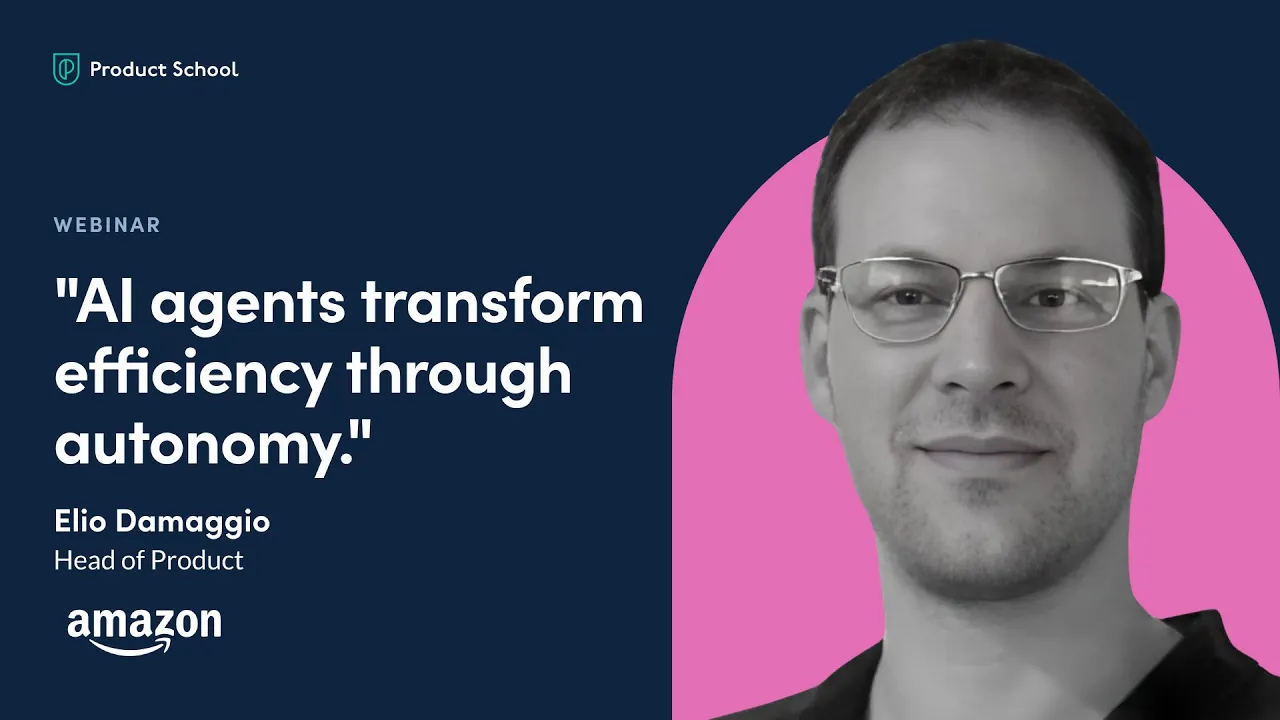
Therefore, identify the real user problem and strategic value. Don’t build an agent just because it’s trendy. As Elio Damaggio (AWS AI product leader) notes on The Product Podcast:
Identifying opportunities is not just about technical considerations. It’s about finding a strategic purpose for building an AI agent that should not just improve workflow but shape our competitive positioning.
In other words, make sure the agent truly moves the needle for your business. Before you deploy an AI agent, focus on automating something critical, improving ROI, or creating a new capability that sets you apart. If all you need is to enhance search or chatbot answers, adding a full agent can be overkill.
From a UX perspective, LLM-powered features and agentic features demand different designs. A simple LLM feature often looks like a straightforward chat or query interface: users type a prompt and get a response.
The interface should help them formulate prompts and interpret outputs (for example, by clarifying context, showing sources, or prompting follow-ups).
How agentic systems change UX expectations
Agent-driven experiences, by contrast, must handle multiple steps and feedback. Good UX for agents often means showing the plan or progress (so users trust what’s happening), providing controls to intervene or modify actions, and clearly handling failures (e.g. if a tool call fails).
For example, if an agent is planning a trip, the UI might present the itinerary as it builds, allow the user to confirm or change choices, and surface errors (like fully booked hotels) gracefully.
Agents should also inform the user when they’ve reached a goal or need input. In essence, the interface needs to treat the agent as a teammate. It should “think out loud” or let the user check its work, so users can trust its autonomy.
Risk Management in Agentic AI Systems
Finally, risk management is critical. Any AI feature (especially an autonomous AI agent) introduces new risks around trust, security, and correctness. LLMs or AI tools alone can hallucinate or give plausible-sounding but wrong answers, and agents magnify that risk by taking actions. Robust guardrails are needed. For example:
Data privacy & compliance: Agents that integrate with tools or databases must have strict data controls. Ensure tokens and APIs are secure, and limit data access only to what’s needed.
Hallucinations & errors: Embed the oversight and AI evaluations. Allow users to verify or override agent actions. Remember that “most deployments don’t make it past the demo,” often because models were given a messy knowledge base. Without structured context and human review, an “agent” can become “a guess engine”.
User trust and governance (AI ethics): Make it clear what the AI can and cannot do. Provide confirmations for high-stakes actions (e.g. “Do you want to send this email?”). Keep a human-in-the-loop for tasks that affect finances, legal compliance, or safety.
In sum, adding agentic capabilities can dramatically boost what your product can do, but it also requires careful design and oversight. Align AI features with real user problems, design transparent user flows, and prepare risk mitigations from the start. LLMs and agents are tools; use them strategically and responsibly to create real value.
From Feature to System: Getting LLM vs Agent Design Right
For product teams, this difference isn’t academic. It changes what you’re shipping, how users experience it, and how risky it becomes in production.
The job of an AI product manager is to turn “this model can answer” into “this product can reliably deliver outcomes.” That means knowing when language is enough and when you’re actually building a system that acts.
Before you ship, do one last pass through the essentials:
The job is clear: language or outcomes. If the feature is mainly understanding or generating text, an LLM is often enough. If it must complete a multi-step goal, you’re in agent territory.
Success metrics are locked in. You know what “good” means: task completion, correctness, latency, cost and you have thresholds that stop bad output from shipping.
Autonomy is intentionally scoped. Agents don’t get open-ended freedom. They get bounded permissions, clear actions they can take, and explicit rules for when to ask a human.
Tool access is safe by design. If an agent can call APIs, send messages, or change records, you need approval gates, audit logs, and least-privilege permissions.
State and memory won’t create silent bugs. If the system remembers user info or workflow progress, you know what it stores, how long it persists, and how it can be reset.
Fallbacks and escalation paths exist. When the system can’t finish a job, it hands off cleanly, explains what happened, and doesn’t leave a mess behind.
Observability exists from day one. You can trace prompts, tool calls, failures, latency, and cost all the way to user outcomes, not just “it responded.”
A smart final move is controlled rollout. Start small, watch behavior under real usage, then expand only when the system stays within spec. If you do this well, you’ll ship the right system, and users will trust it.
Integrate AI into Products and Processes
Get insights on AI product implementation from the CPO at Financial Times, Debbie McMahon
GET THE PLAYBOOK
Updated: February 18, 2026